By default, new courses are not visible to students. Students will not be able to see your course until your course visibility is set to Show.
Instructions for making your course visible:
- Open the course.
- Select Settings.
- Expand the General settings.
- Set Course visibility to Show.
- Scroll to the bottom of the page and select Save and display.

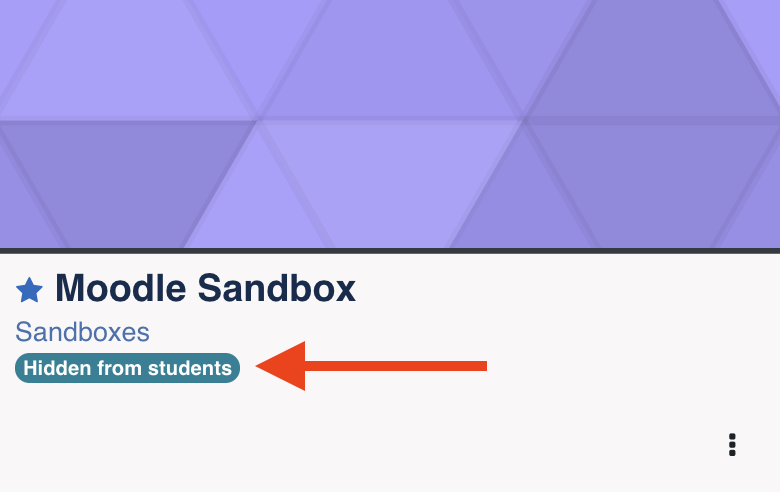
If your course is hidden from students, you can easily tell by going to My Courses. Here on each course icon you will see Hidden From Students displayed on any courses which remain hidden.
